100W LED USB-C to USB-C PD Cable for MacBook & Samsung
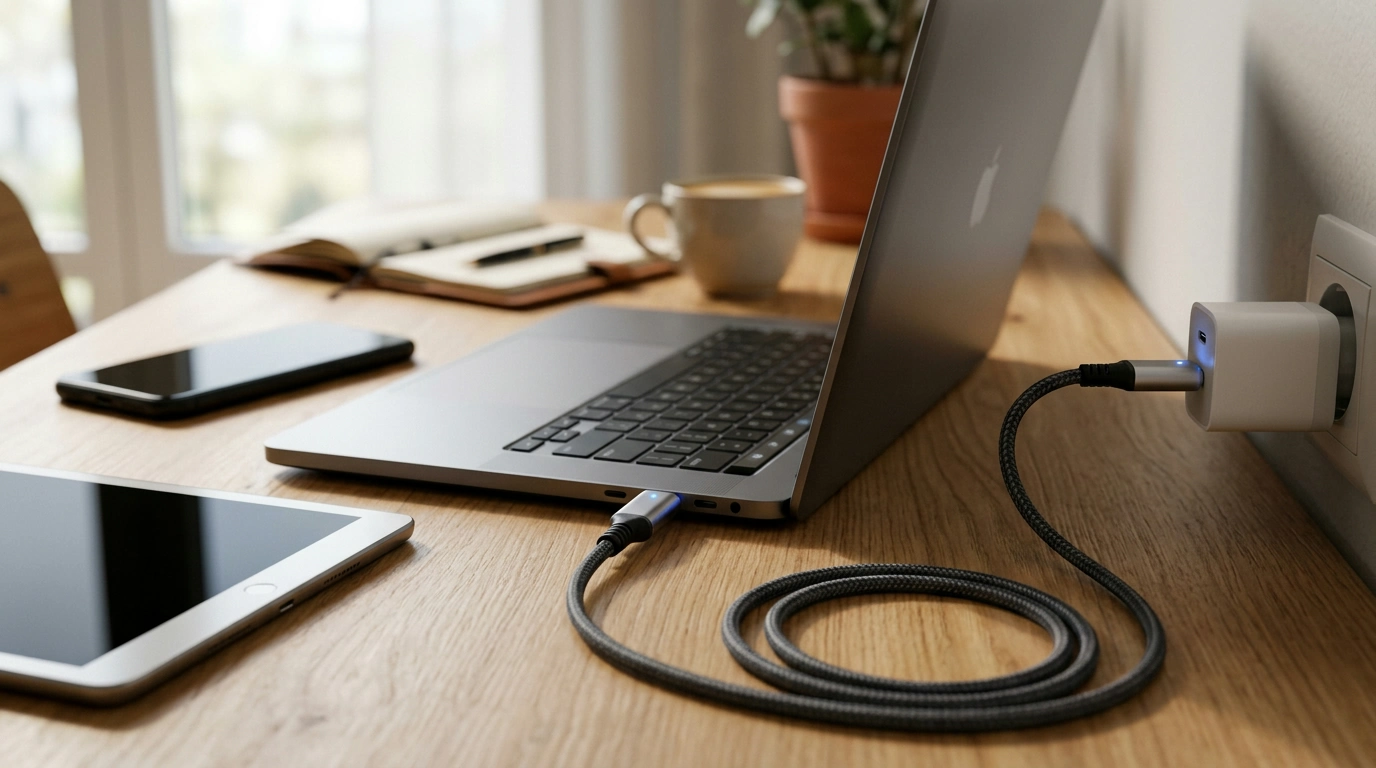
LED USB‑C to USB‑C Fast Charging Cable (100W) for MacBook & Samsung
A USB‑C to USB‑C cable can look simple, but the right one determines charging speed, heat, stability, and whether high-power laptops and modern phones charge reliably. This LED USB‑C to USB‑C cable is built for fast charging up to 100W with USB Power Delivery and supports common fast-charge modes used by MacBook and many Samsung devices, while adding an LED charge indicator for quick status checks.
What this cable is designed to do
- Support fast charging for USB‑C laptops, tablets, and phones using USB Power Delivery (PD) up to 100W (when paired with a compatible charger).
- Work smoothly across popular USB‑C ecosystems, including MacBook and many Samsung Galaxy devices that negotiate higher charging speeds over USB‑C.
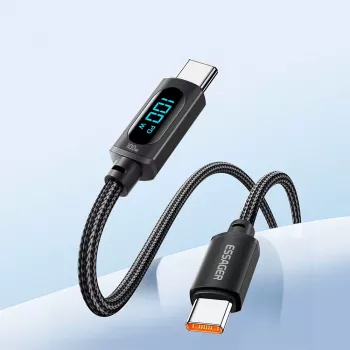
- Provide a visible LED indicator to confirm connection/charging status at a glance—handy behind desks, in cars, or at night.
- Serve as an everyday cable for charging and basic connectivity; real-world data speed depends on the cable’s USB spec (which is not always the same thing as charging wattage).
Fast charging basics: PD, QC, watts, and what actually sets the speed
Fast charging isn’t determined by the cable alone. It’s a three-part negotiation between the charger, the device, and the cable. If any one of those is the weak link, charging slows down, becomes inconsistent, or drops to a basic rate.
- USB Power Delivery (PD) is the most common standard for USB‑C fast charging, especially for laptops and modern phones. A 100W-capable cable matters most when you’re using higher-power USB‑C PD chargers.
- Quick Charge (QC) is a family of fast-charge modes often associated with certain chargers and devices. Many USB‑C devices still rely primarily on PD when using USB‑C to USB‑C connections.
- A cable rated for 100W typically requires an e‑marker (electronically marked) chip that tells the charger and device it can safely handle higher current. That’s especially important for laptop-grade charging.
- More watts doesn’t automatically mean “faster forever.” Phones and laptops often taper charging as the battery fills or warms up, and some devices cap peak wattage well below 100W.
What to match for fast, stable charging
| Item to match | What to look for | Why it matters |
|---|---|---|
| Charger | USB‑C PD output (and enough wattage) | A 30W phone charger may not power a laptop reliably; a 65W–100W charger is often needed for laptops |
| Device | Supported PD profiles / max input | The device determines the highest speed it will accept |
| Cable | 100W rating; e‑marker for high power | Helps prevent overheating and enables high-power negotiation |
| Port | USB‑C (not USB‑A via adapter) | USB‑A adapters often reduce charging modes and limit speed |
For a deeper look at how USB‑C charging is standardized, the USB-IF overview of USB Power Delivery explains how devices negotiate voltage/current safely.
Compatibility highlights for MacBook and Samsung devices
- MacBook charging: For best results, pair the cable with a USB‑C PD charger sized to your MacBook model (commonly 30W, 61W, 67W, 96W, or higher depending on the system). A 100W cable helps keep the cable from becoming the bottleneck. Apple’s guidance on selecting adapters is available via Apple Support.
- Samsung charging: Many Galaxy phones use USB‑C PD for fast charging; reaching top speeds may require a compatible PD charger and the device’s supported protocol (some models also use USB PD PPS when paired with a PPS-capable charger). Samsung’s official charging tips can be found at Samsung Support.
- USB‑C to USB‑C only: This cable is built for USB‑C ports on both ends. Using older USB‑A chargers via adapters can reduce performance and may prevent higher fast-charge modes.
- Charging while working: If a laptop is under heavy load (video calls, exporting, gaming), it may charge slowly or hold steady even with a 100W-rated cable—especially if the charger wattage is lower than the laptop’s combined power use.
LED indicator: what it helps with (and what it doesn’t)
- Instant confirmation: The LED makes it easy to see that the connection is live and power is present—useful when ports are tucked behind a monitor, nightstand, or car console.
- Faster troubleshooting: If the LED is on but a device won’t charge, the issue is often the charger, a loose port, lint/debris, or device power settings rather than the cable itself.
- Not a watt meter: The LED doesn’t tell you if you’re getting 15W vs. 45W vs. 96W. Charging can still be slow due to battery temperature, background usage, or charger limitations.
- Standby behavior: Some power banks, hubs, or monitors provide low standby power even when no device is actively charging; the LED may remain lit in those cases.
Everyday durability and safe use tips
When a 100W USB‑C cable is the right choice
Product details and quick buying checklist
Recommended in-stock items
- LED USB C to USB C Fast Charging Cable 100W PD QC3.0 for MacBook & Samsung (USD 9.51)
- 18″ Aluminum Pipe Wrench (USD 37.67)
FAQ
Will this cable fast-charge a MacBook?
Yes—when it’s paired with a USB‑C Power Delivery charger that provides enough wattage for your MacBook model. The cable supports up to 100W, so the charger and device are typically the limiting factors.
Does a 100W USB‑C cable make a phone charge faster?
Only if the phone and charger support higher fast-charging levels. Many phones cap their maximum input, so a 100W cable mostly adds headroom and more reliable high-power negotiation rather than guaranteeing faster charging.
What does the LED light indicate?
It generally indicates that power is present and the connection is active. It doesn’t report charging wattage and doesn’t guarantee the device is charging at the maximum possible speed.









Leave a comment